No cloud, no CLI
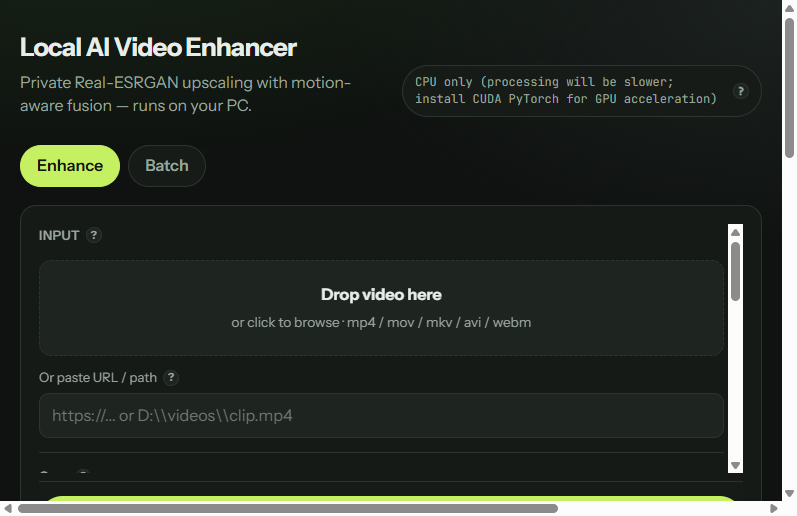
Windows app — drop a video, pick 1080p or 4K, enhance. AI models download inside the app on first run (~400 MB once).
Private · local · no subscription
A simple Windows app for private AI video enhancement — no cloud uploads, no command line, no model hunting. Built on Real-ESRGAN with optional motion-aware blending.
Free preview: 720p · 5 seconds · no watermark · no key
See it first
Judge output on your own footage with the free 5-second preview in the app. Replace this demo with a real clip from your compare export when ready.
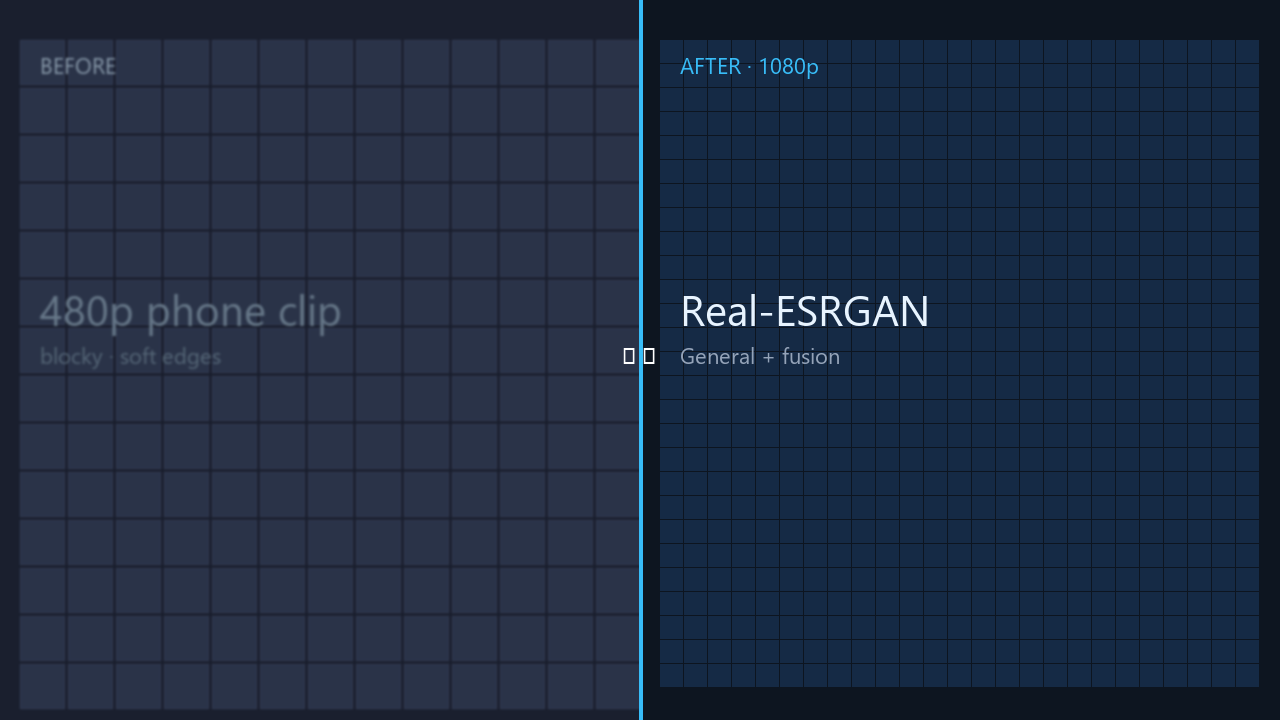 Before
After · cleaner frame
Before
After · cleaner frame
In the app: enable Create before/after preview for a side-by-side MP4. Test pans, faces, and subtitles on your clip — fusion helps some footage and can ghost on fast motion.
Not four model files — a workflow that saves time and avoids technical setup.
Windows app — drop a video, pick 1080p or 4K, enhance. AI models download inside the app on first run (~400 MB once).
Optional motion-aware blending can reduce frame-to-frame shimmer on pans. Not magic — fast motion and cuts may still show artifacts.
Free tier: 720p, 5 seconds, General profile. Pro unlocks full length, batch, and all profiles for $1+ once.
Same ballpark price as basic upscalers — but with analysis, batch, and fusion that usually cost more.
Detects content type, noise, motion, faces, and text — then suggests model, resolution, fusion, and look.
Picks face, motion, dark, compressed, and subtitle sections — not only the first five seconds.
Fusion resets at cuts. Halo and text safeguards back off where AI would invent artifacts.
Skip finished files, continue after a failure, per-file logs.
Enhance PNG, JPG, and WebP with the same profiles.
Cheap upscalers sharpen each frame alone — that often flickers on camera movement. Optional fusion warps the previous enhanced frame and blends it with the current one (optical flow).
Slow pans, static backgrounds, phone footage with mild motion. Start with Balanced.
Fast motion, occlusions, subtitles, foliage, and scene cuts can ghost or soften. Use Light or Off. Scene-cut detection is enabled by default.
We recommend comparing: original → per-frame upscale (fusion Off) → fusion On — on the same difficult clip before you batch dozens of files.
Pick by content type. All use Real-ESRGAN-family weights — the app handles download and selection.
Phone clips, film, mixed YouTube B-roll.
Usually noticeable on clean 720p → 1080p May invent texture on 4K from weak sourcesCartoons, line art, flat illustration.
Often strongest visible improvement Can oversharpen live-action skinAI art, screenshots, game UI.
Very crisp edges on graphics Halos possible on noisy camera grainLower VRAM, quicker passes, batch overnight.
Slightly softer than General Much faster on mid-range GPUsThis is not professional broadcast restoration (faces, HDR, difficult archival footage).
How we compare
Many budget upscalers stop at scale-and-export. We’re also $1+ once — with auto analysis, motion fusion, batch, compare preview, and content presets built in.
Frame-by-frame upscale often flickers on camera motion. Optional 5 fusion modes (Off → Adaptive) use optical flow — can reduce shimmer on pans; fast motion and cuts may still ghost.
General (phone/film), Anime (cartoons), UltraSharp (AI art/screenshots), Fast (lower VRAM) — not just one default model path.
Pick 720p / 1080p / 2K / 4K — not just 2×, 3×, or 4×. Better for “I need YouTube 1080p” without doing the math.
Film, anime, phone, screen, game — auto-tune denoise, faithfulness, and polish without manual tweaking.
Queue multiple clips with one settings profile — not one file at a time.
Built-in side-by-side preview in the app — no exporting to check quality elsewhere.
Denoise, face enhance (GFPGAN), stabilize, color match, source blend, job history, URL or file input.
720p · 5 seconds — no key, no watermark. Test on your clip before paying.
Click the icon on our Yes cells — what it is, why it matters, and how we compare.
| Feature | Local AI Video Enhancer · $1+ | Same-price tools · ~$1+ | Premium suites · $50+/yr |
|---|---|---|---|
| Windows GUI app | Yes | Yes | Yes |
| 100% local / private | Yes | Yes | Often cloud |
| Real-ESRGAN AI | Yes | Yes | Proprietary |
| Auto clip analysis | Yes | — | Yes |
| Motion fusion (optional) | 5 modes | — | Yes |
| AI model profiles | 4 profiles | Basic | Many |
| Output targeting | 720p–4K | 2× / 3× / 4× | Yes |
| Content presets | Yes | — | Yes |
| Batch + resume | Yes (Pro) | — | Yes |
| Before/after compare | Yes | — | Yes |
| Image enhance (PNG/JPG) | Yes | — | — |
| Artifact / text guard | Yes | — | Varies |
| Free preview (no key) | 720p · 5s | Pay first | Trial / sub |
| One-time price | $1+ | ~$1+ | $50–300/yr |